A more useful mobile analytics preview
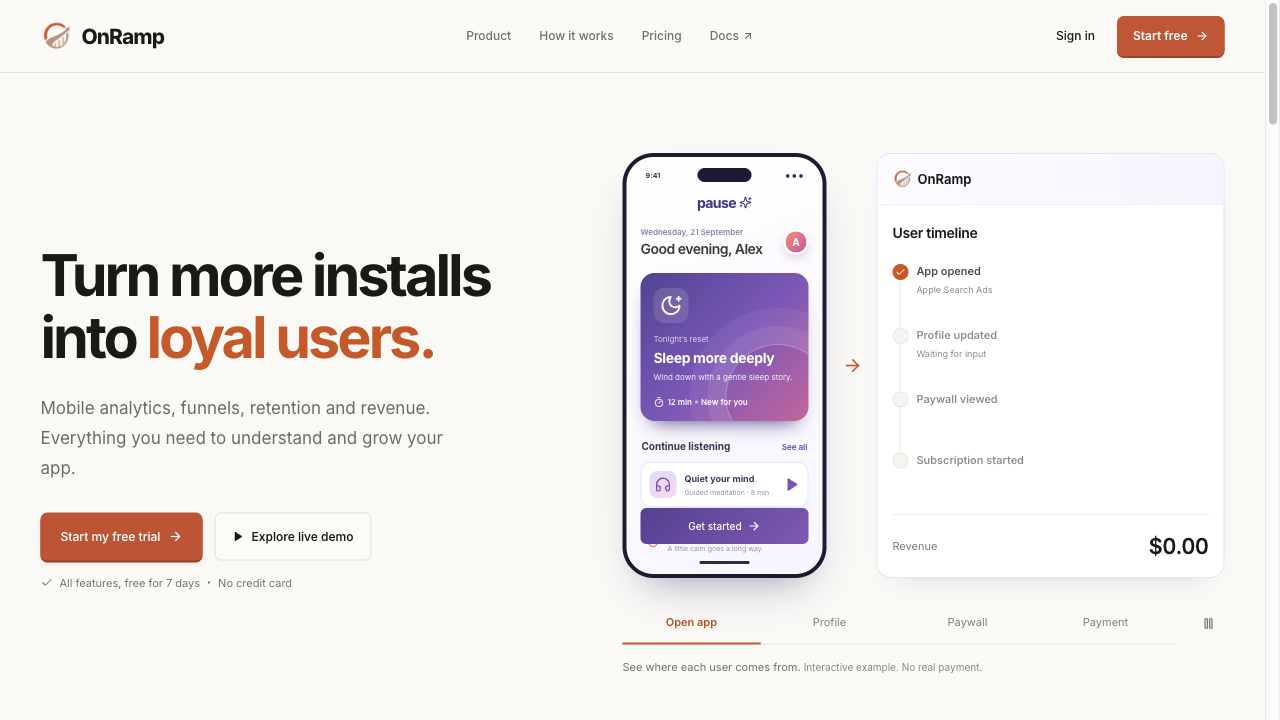
The homepage now follows an app-like mobile journey from first open through profile setup, paywall, and subscription. Its companion timeline shows the event properties and revenue that arrive at every step.
Dated product and SDK updates. Subscribe with the RSS feed.
The homepage now follows an app-like mobile journey from first open through profile setup, paywall, and subscription. Its companion timeline shows the event properties and revenue that arrive at every step.
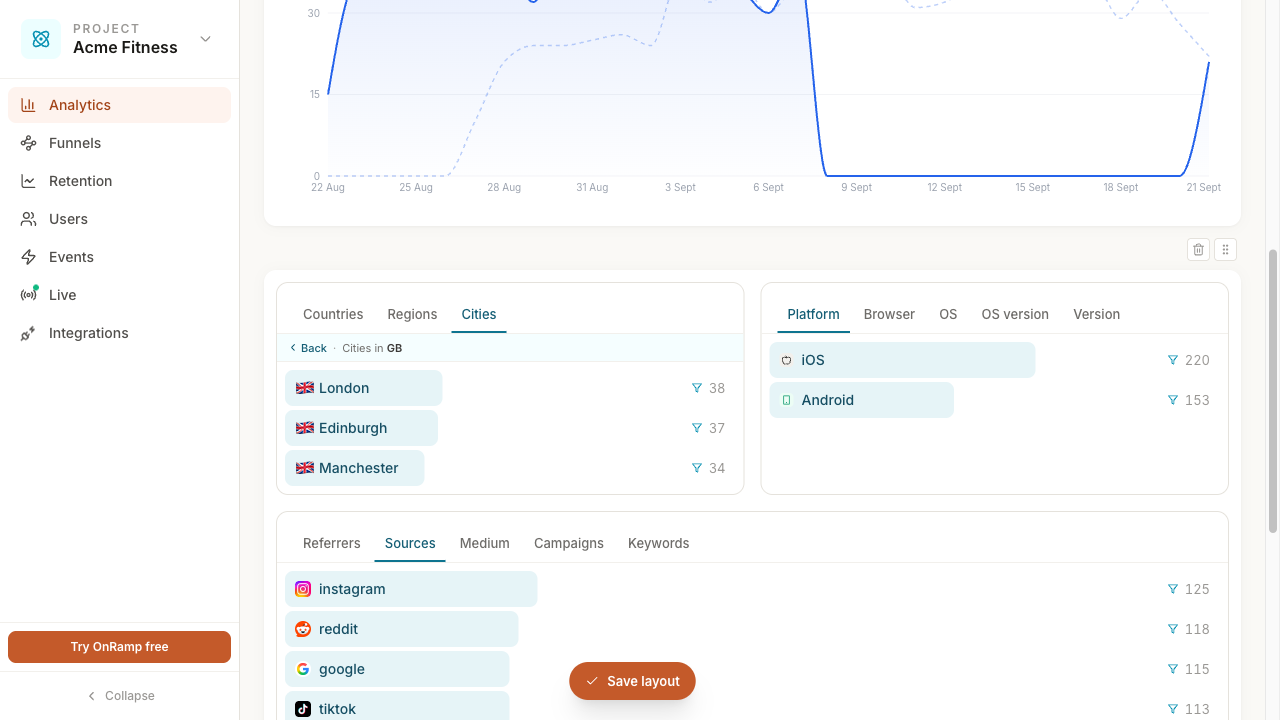
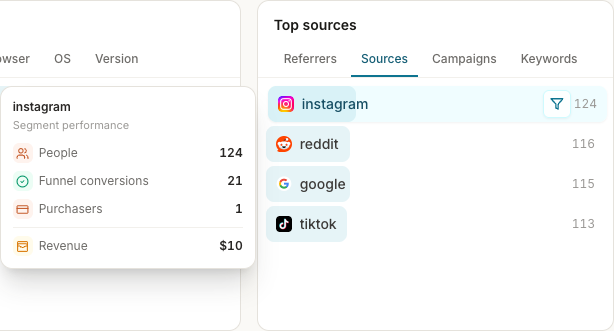
Open a location or operating-system segment directly from its analytics card to inspect its funnel and related detail without rebuilding the filter by hand.
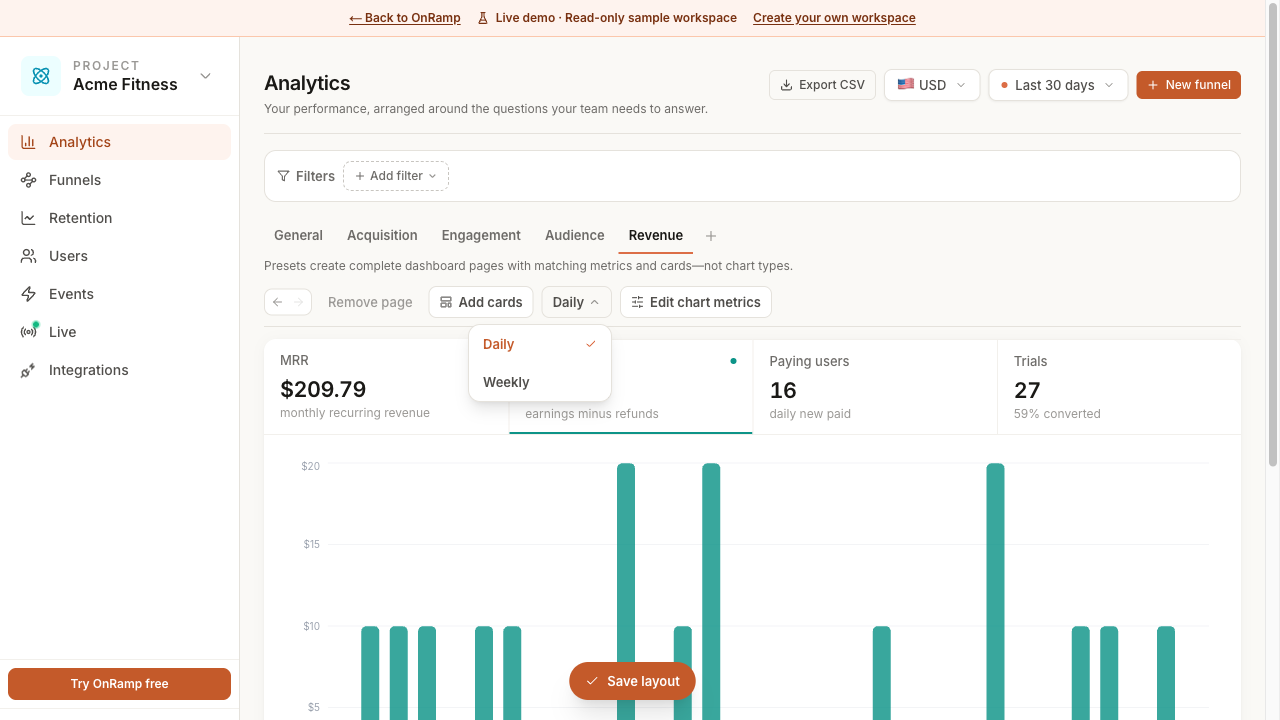
Choose the time scale that matches the decision: same-day campaign or release checks, daily movement, or weekly conversion patterns.
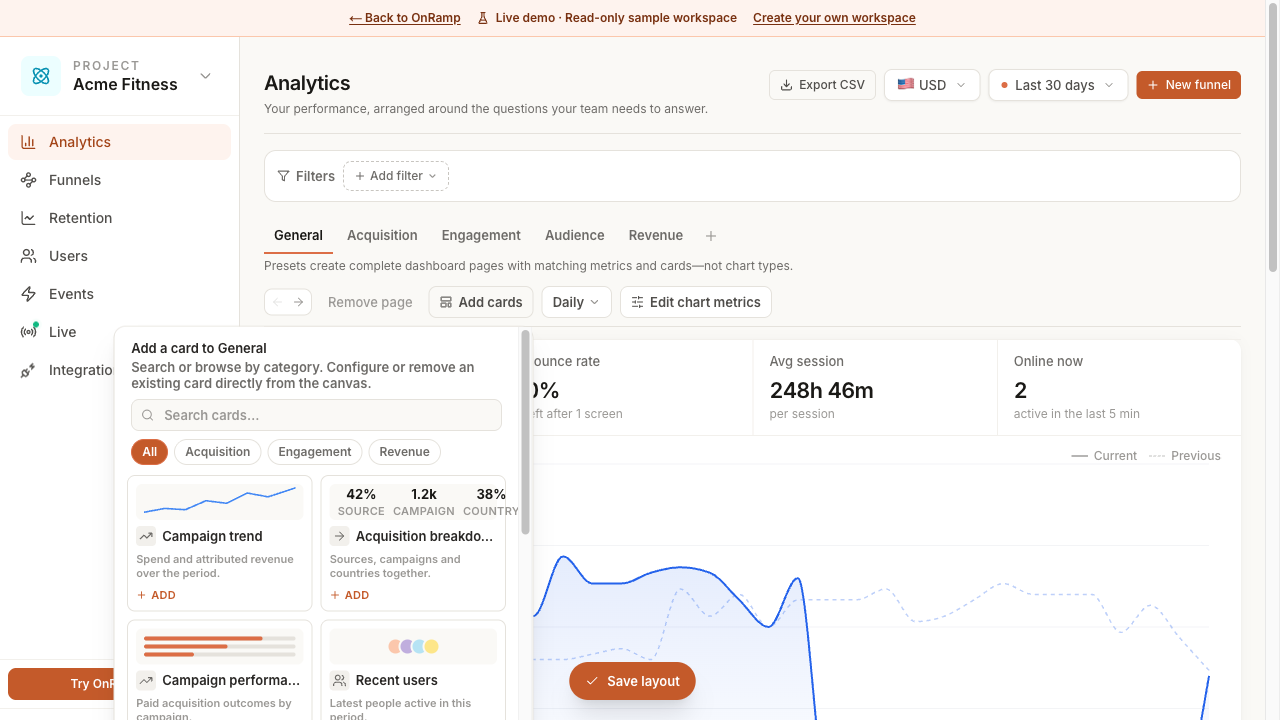
Dashboard cards and insights are easier to tailor to the questions a team is asking, with a clearer workspace for exploring product, acquisition, and revenue performance.
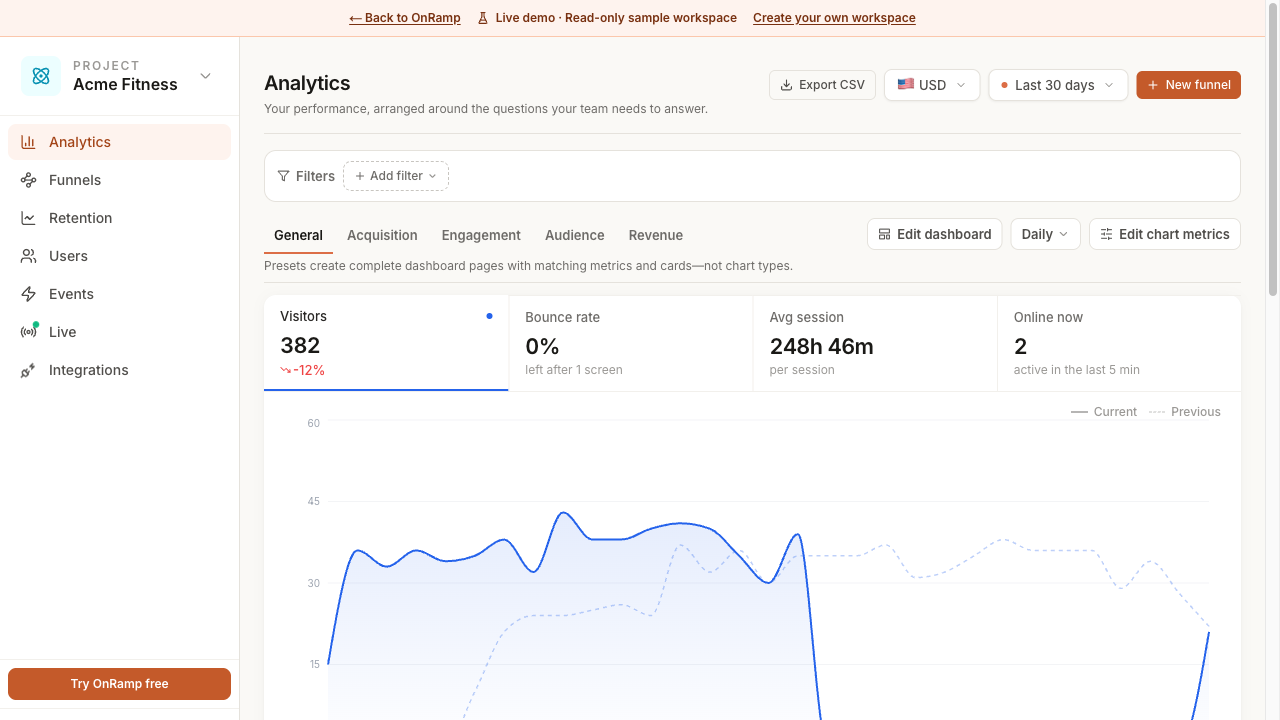
Choose the cards that matter to a project and arrange the dashboard around the metrics a team checks most often.
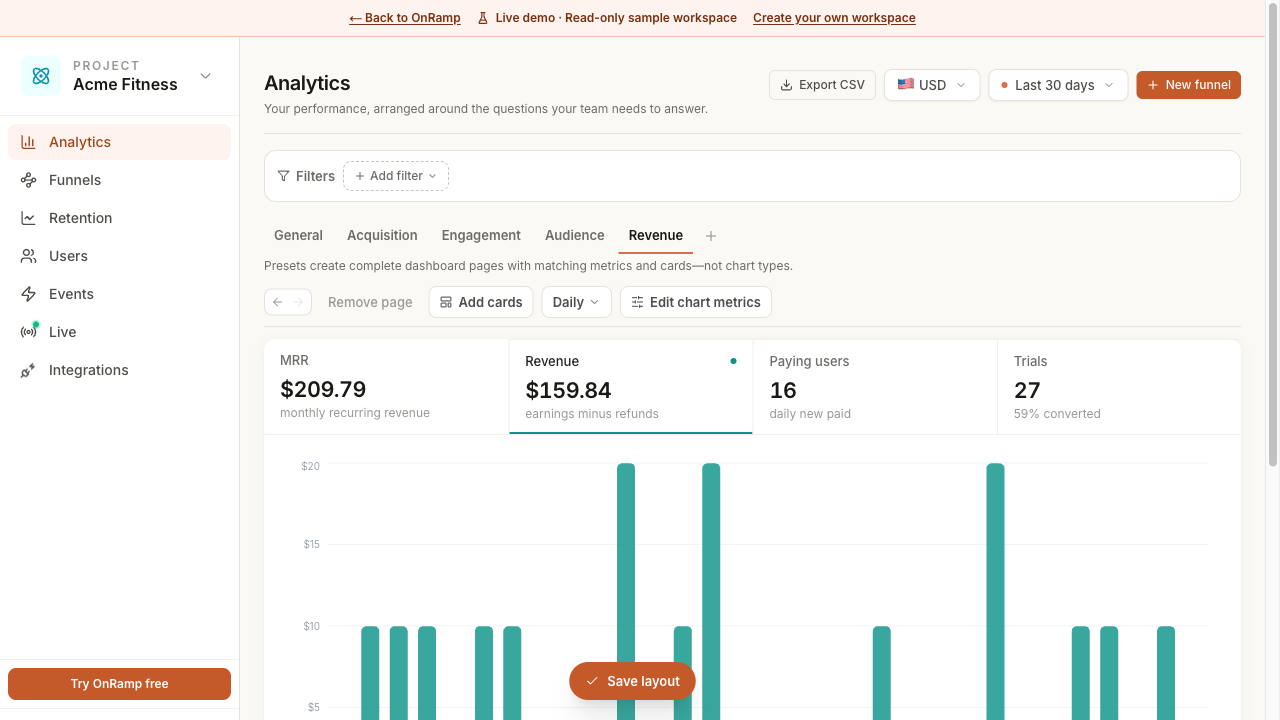
Revenue reporting now gives teams a clearer view of net performance while preserving the original currency details needed to understand international results.
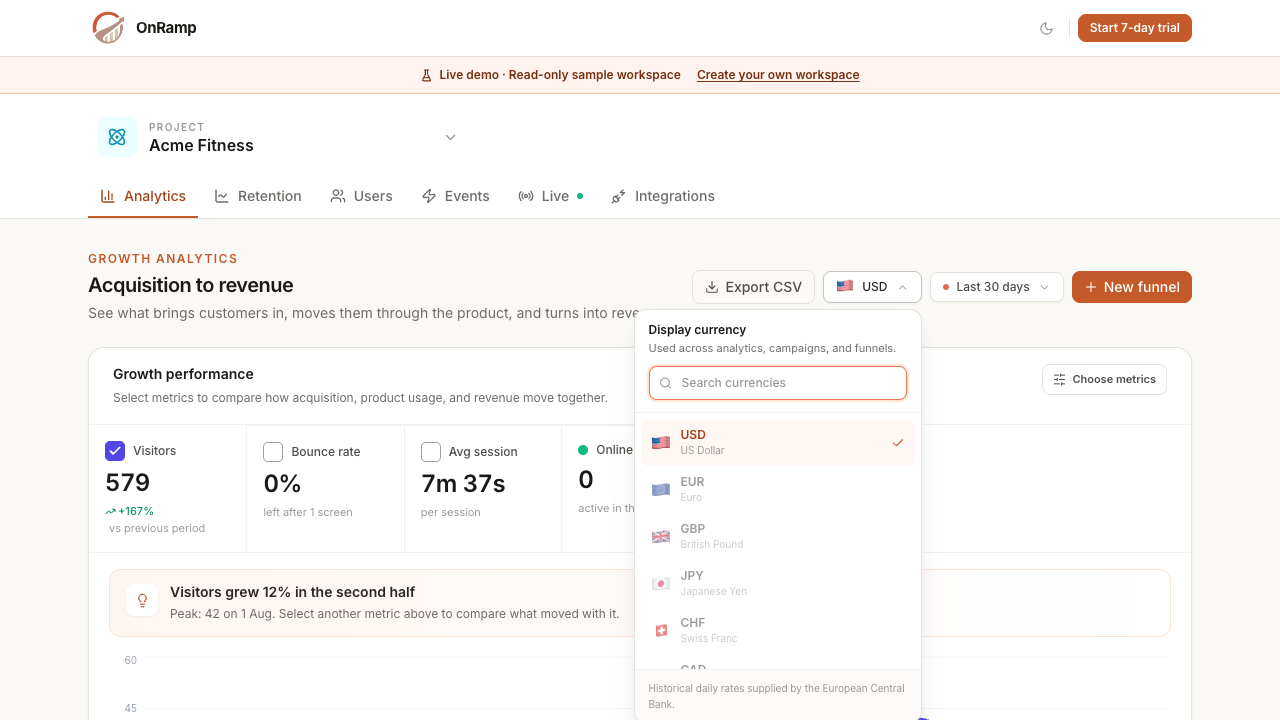
Choose a project display currency for revenue and advertising metrics. OnRamp converts historical values with the matching European Central Bank daily reference rate while retaining every integration’s original currency.
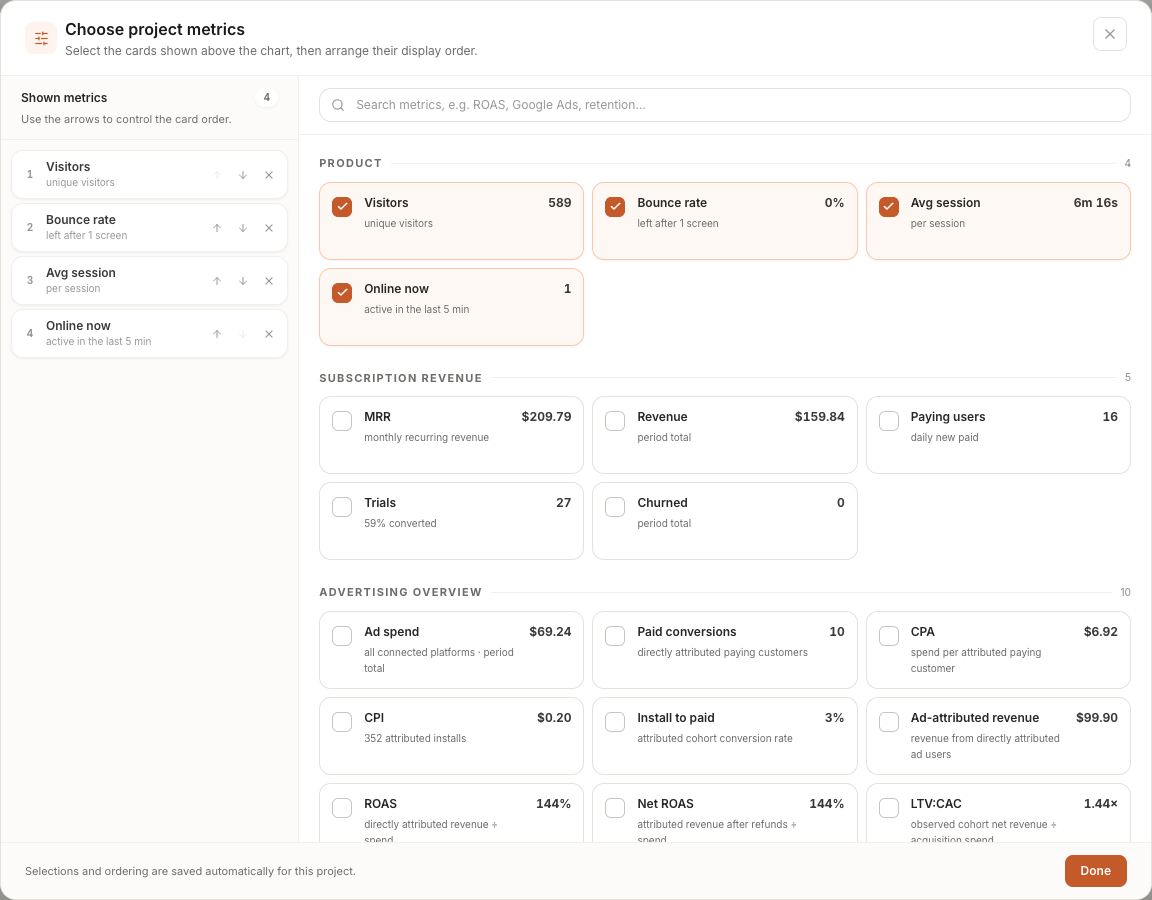
Choose, search, and order the metrics shown above the growth chart. Product, subscription, advertising, and provider-specific metrics are grouped by category and the selection is saved for each project.
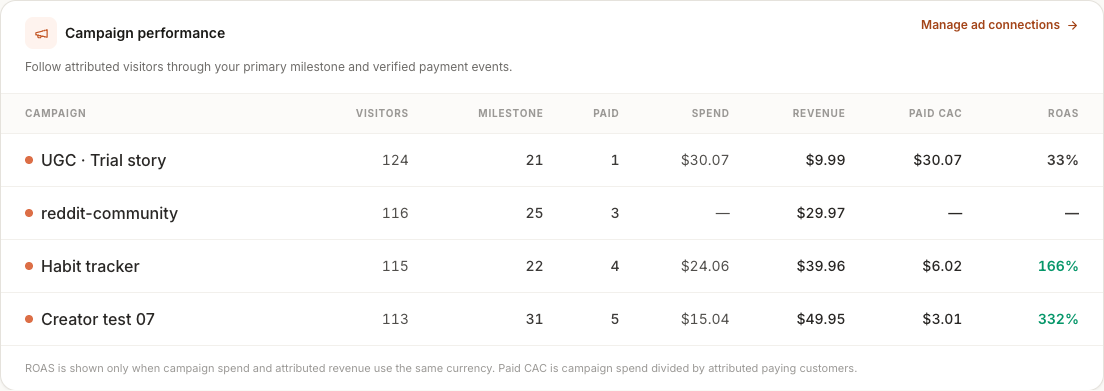
Compare spend with verified revenue from users attributed to each ad platform. Campaign reporting now includes paid conversions, CPA, CPI, ROAS, net ROAS, LTV:CAC, and payback without crediting unrelated revenue.
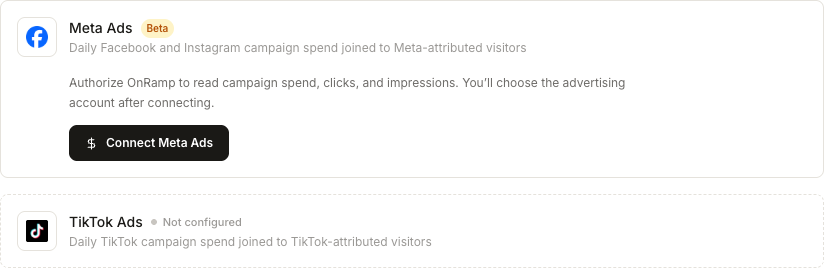
Connect Meta and TikTok advertising accounts to import daily campaign spend, clicks, and impressions, then join that performance to attributed visitors and paying customers in OnRamp.
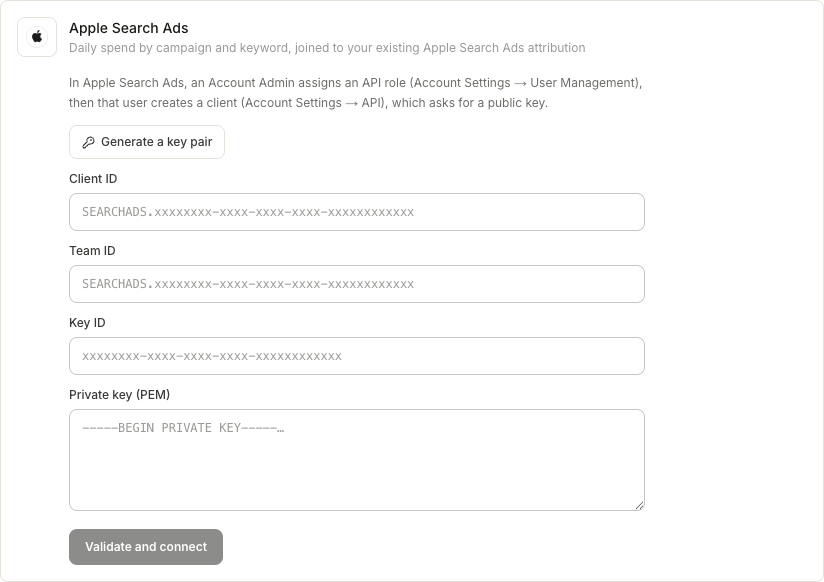
Import daily Apple Search Ads spend by campaign and keyword, resolve campaign names, and calculate CAC alongside existing install attribution. Key pairs can be generated directly in the connection flow.
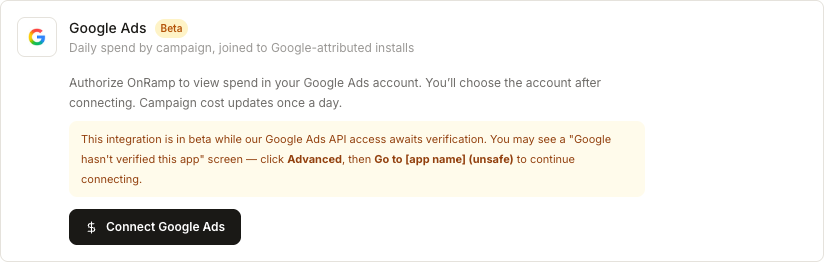
Connect a Google Ads account to import daily campaign spend and compare it with Google-attributed installs, funnel milestones, customers, and revenue.
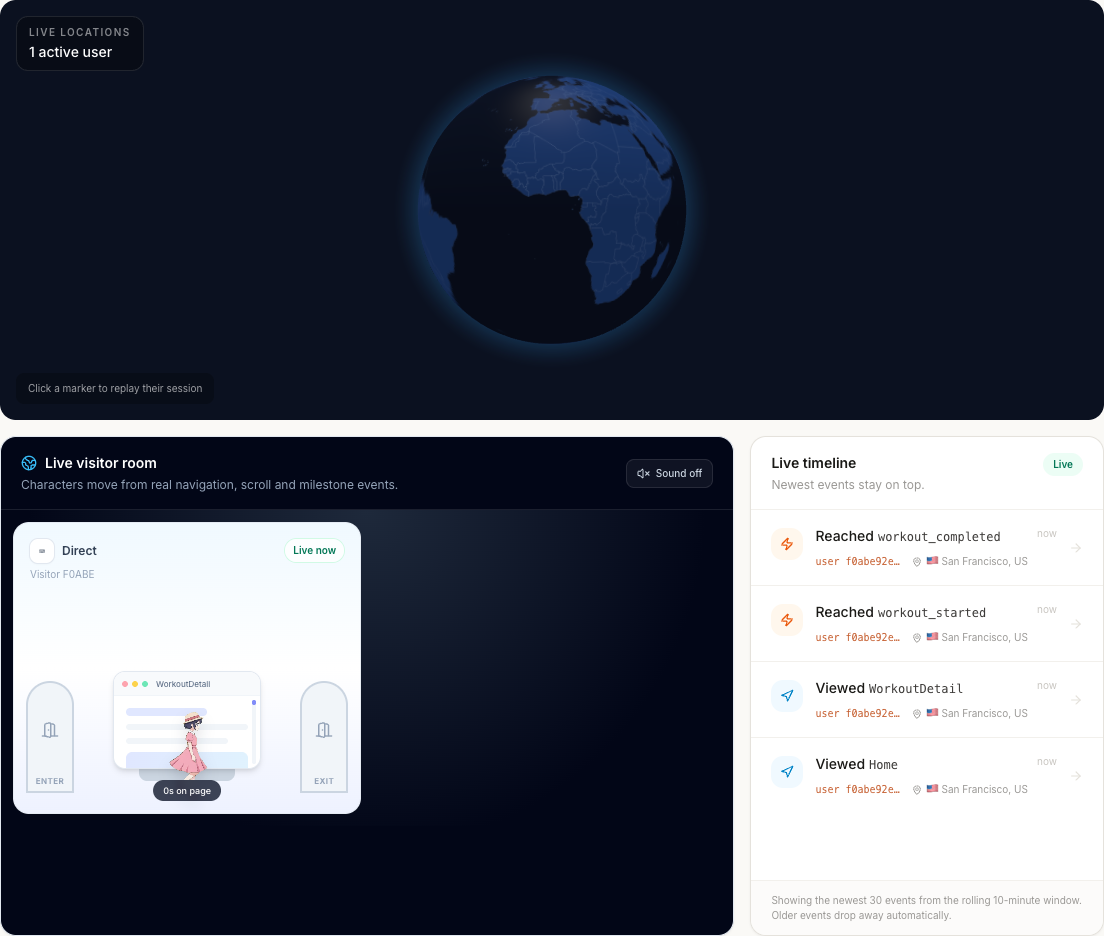
Watch active visitors move through the product in real time, locate them on the live globe, and open an animated replay from either the live timeline or an individual user journey.
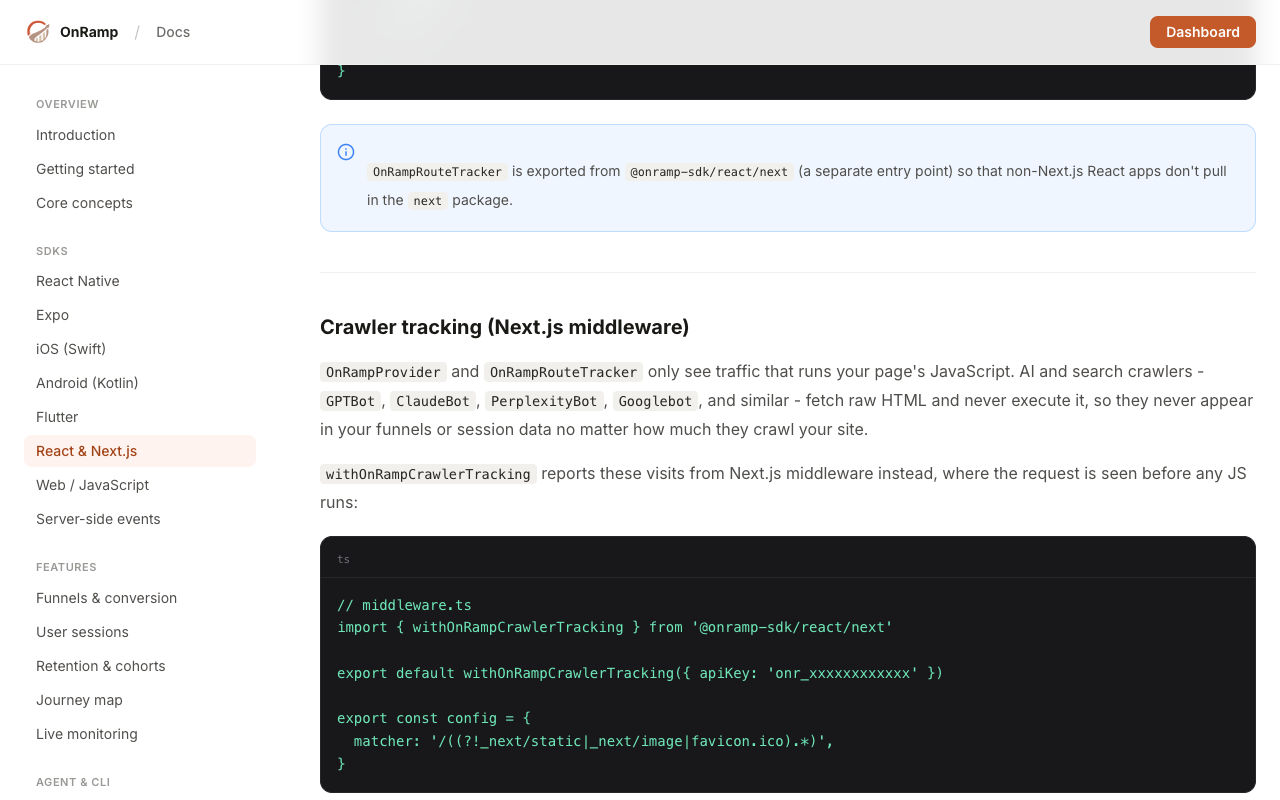
Track server-rendered visits from GPTBot, ClaudeBot, PerplexityBot, Googlebot, and other known crawlers. Their pages and visit trends appear in a separate report and stay out of people, funnel, and revenue analytics.
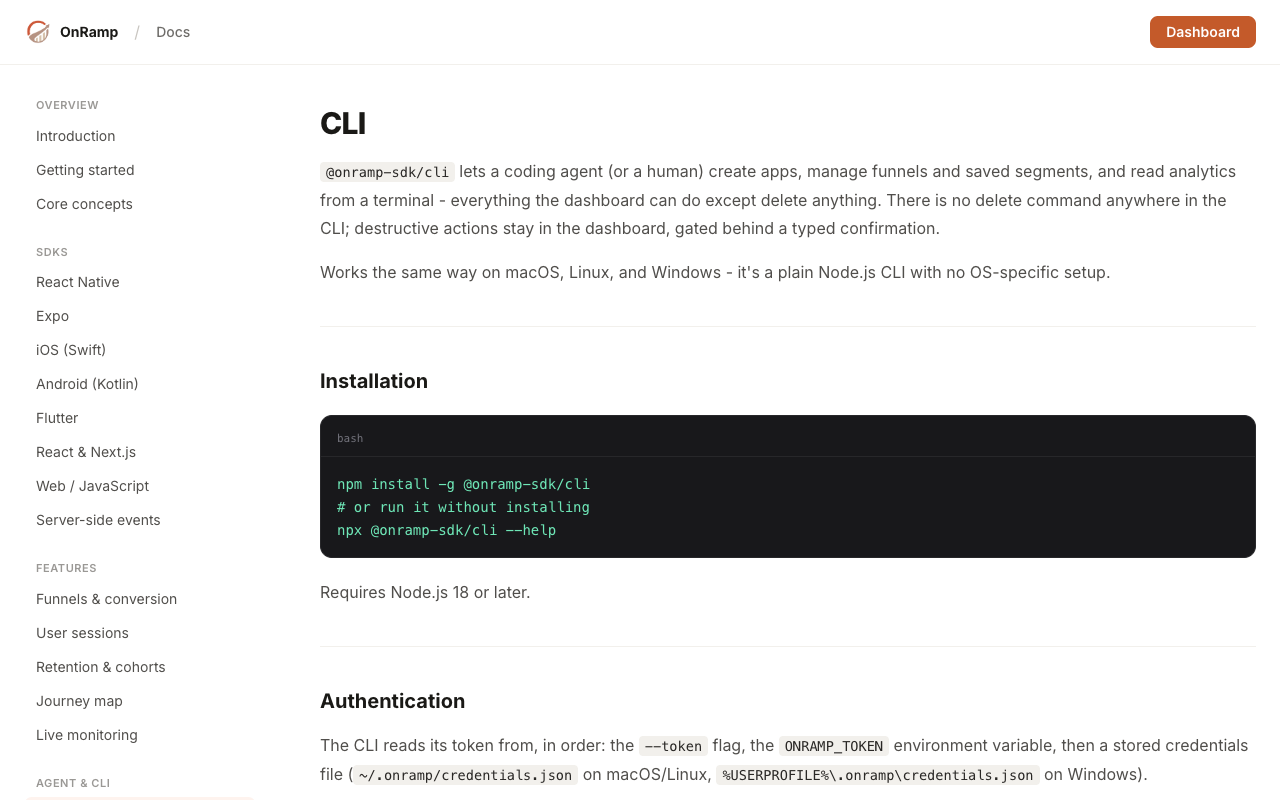
Use the OnRamp CLI and v1 API to create projects, manage funnels and saved segments, and read analytics from a terminal, coding agent, or CI workflow. Browser login and scoped organization access are included.
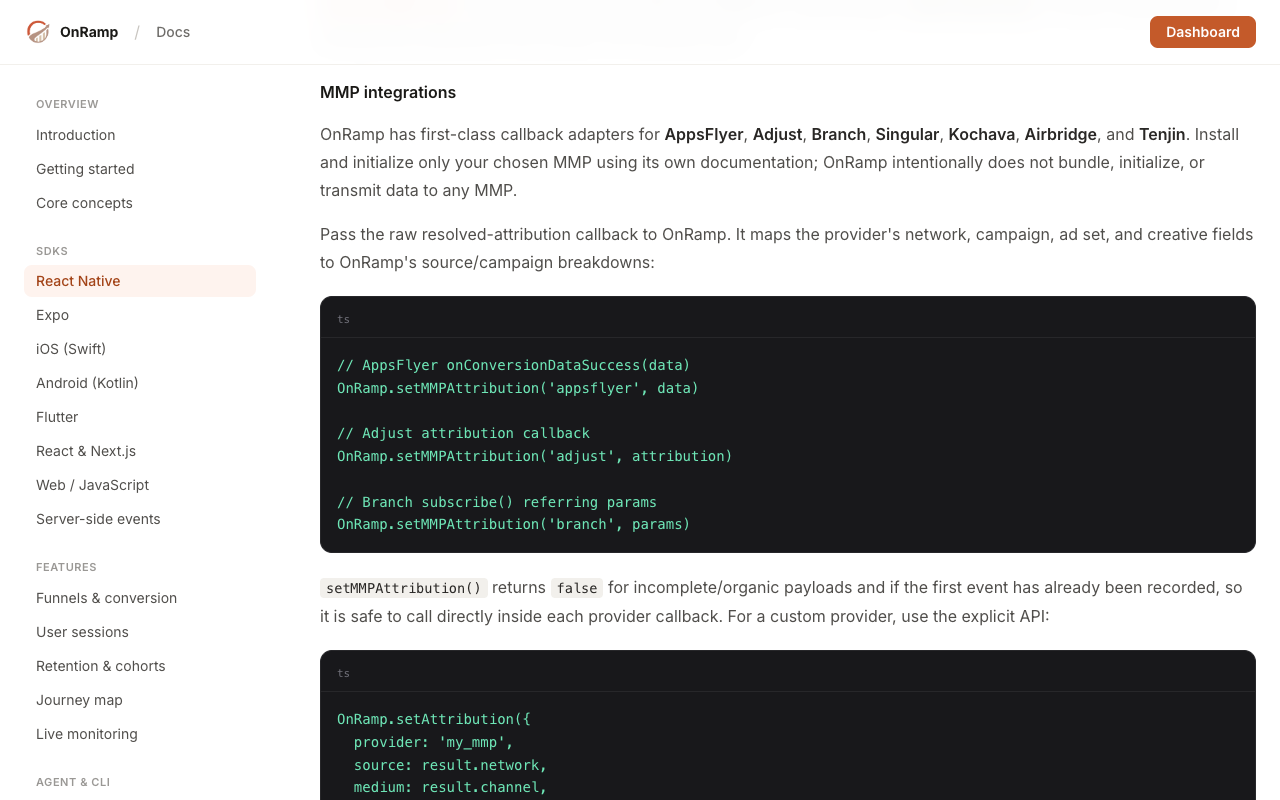
Capture Apple Search Ads and Google Play install attribution, or pass resolved callbacks from AppsFlyer, Adjust, Branch, Singular, Kochava, Airbridge, and Tenjin into React Native funnels.
See purchasers, conversions, and revenue while comparing sources, campaigns, locations, devices, and app versions. Search Console reports also estimate revenue by query from each query’s share of organic landing-page clicks.
Published a runnable public example with milestone tracking, user identification, and automatic navigation events.
Read more →Published the Splitr case study, showing how teams can compare onboarding cohorts across app releases.
Read more →Added a Search Console integration for landing-page and query performance alongside funnel reporting.
Read more →